
Sales
Adding Products to Sales
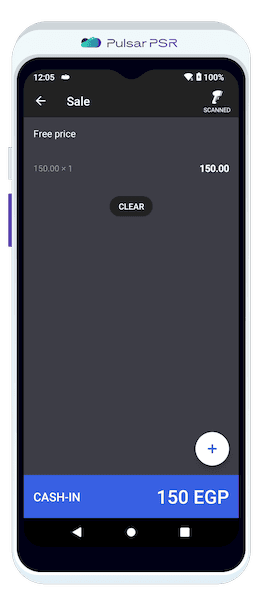
Choose products by scanning barcodes, selecting manually from the catalog, or performing a Free Price sale.
To Add products during a sale, use one of the following methods:
- 🔹Scan the Barcode using a built-in or connected scanner.
- 🔹Create a Free Price sale without product creation.
- 🔹Select from the Catalogue using the "Product" button to add items manually.
Cart Management
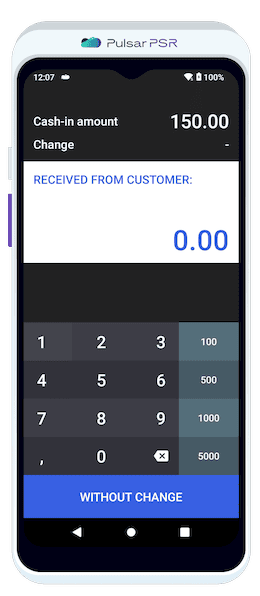
Manage your cart by adjusting quantities, applying discounts, or removing products easily.
Product List – Displays product name, price, quantity, and total cost.
💡 Tip: Swipe left on a product to quickly apply a discount or remove the item.
Apply Discount – Adjust the price with a percentage or fixed amount.
Remove Items – Delete individual products or clear the entire cart.
Payment Methods
Review the Total Amount at the bottom of the screen.
Select a Payment Method:
- 🔹Cash
- 🔹Bank Card
- 🔹E-Wallet (for the African region)
Enable E-Receipt (Optional) – Enter an email or phone number if needed.
Tap "Pay" to finalize the transaction.
Receipt Printing
Print a Physical Receipt or send an E-Receipt.
Display Change Due if cash payment exceeds the total amount.