
Getting Started with Your Account
Creating a Personal Account
Go to https://psr-it.com/en/auth/login.
Select a language in the top-right corner. Currently available:
- 🔹Arabic (AR)
- 🔹English (EN)
- 🔹French (FR)
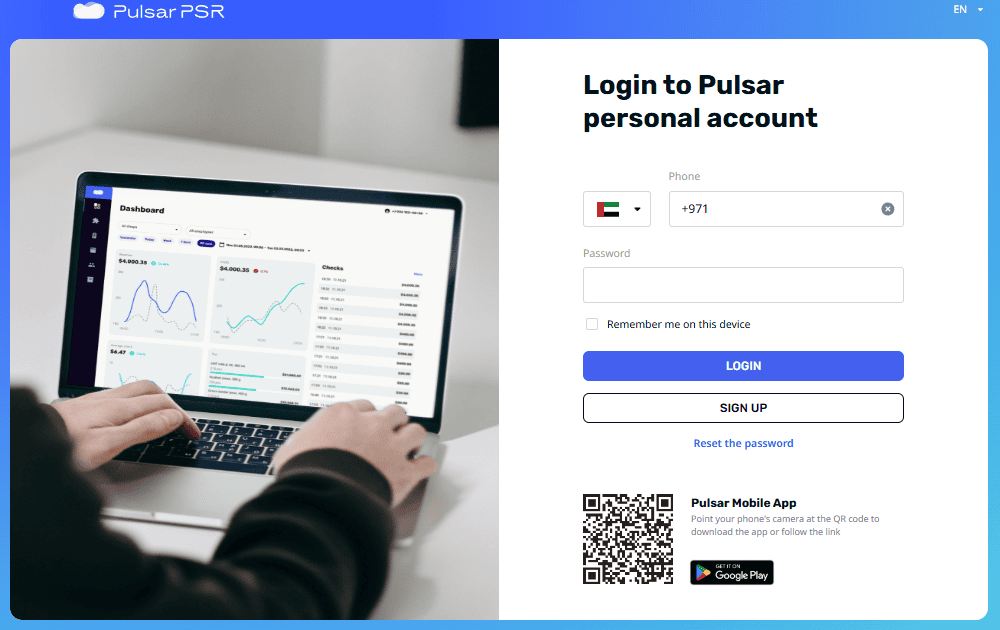
Click Sign Up.
On the next page:
Select your region (necessary for compliance with local legislation: displaying tax rates, currencies, etc.). Currently available:
- 🔹United Arab Emirates
- 🔹Côte d’Ivoire
- 🔹Egypt
- 🔹Philippines
- 🔹Senegal
- 🔹Burkina Faso
📌 Note: Your account will be tied to the selected region. If you work in multiple regions, you’ll need separate accounts for each.
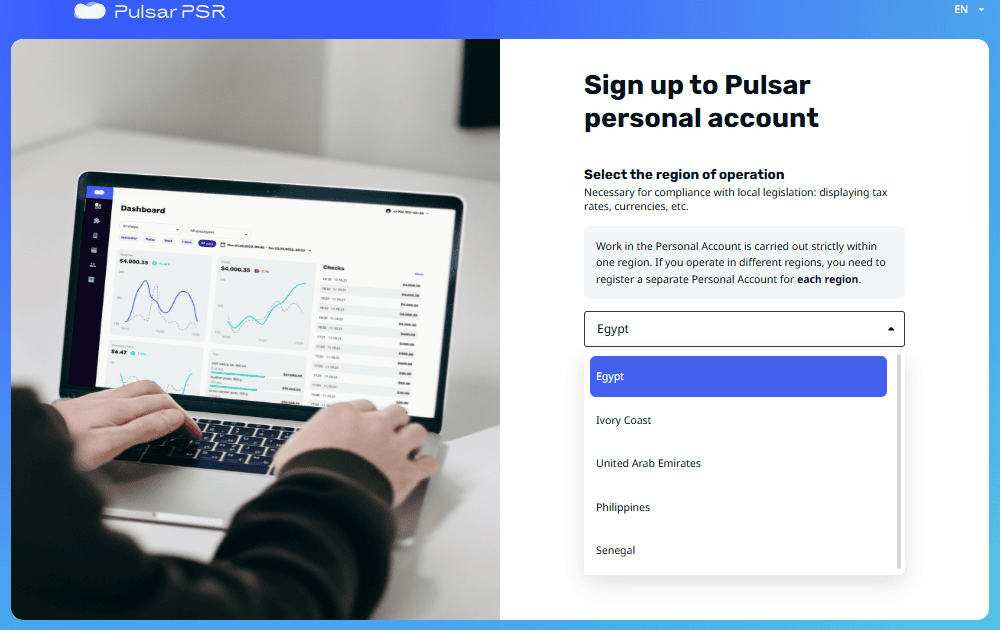
Click Continue.
Enter your phone number. Ensure your phone is nearby to receive the confirmation code. Supported countries for phone registration include:
- 🔹United Arab Emirates
- 🔹Côte d’Ivoire
- 🔹Egypt
- 🔹Philippines
- 🔹Senegal
Enter your email address. A confirmation code will also be sent to this email address.
Create a password that meets the following requirements:
- 🔹Minimum length: 8 characters
- 🔹Maximum length: 32 characters
- 🔹Includes uppercase and lowercase letters
- 🔹Includes at least one digit
- 🔹Includes special characters (e.g., @#$%^&*)
- 🔹Does not include the username
- 🔹Is not dictionary-based or easily guessable
- 🔹Is not identical to your previous password
- 🔹Passwords must match during confirmation

After providing all the necessary information, click Sign Up.
💡 Tip: If you encounter any issues during sign-up, check your internet connection or ensure your phone and email are accessible for receiving confirmation codes.
Congratulations! You’ve successfully signed up for your personal account.
Logging In to Your Personal Account
Enter your phone number and password specified during registration.
Optionally, select Remember me on this device checkbox to stay logged in.
Click Login.
💡 Tip: If you forget your login details, use Reset the password option to regain access.
Resetting Your Password
Use https://psr-it.com/en/auth/restore to reset your password.
Enter your phone number specified during registration.
A password recovery link will be sent to the email address associated with your account.
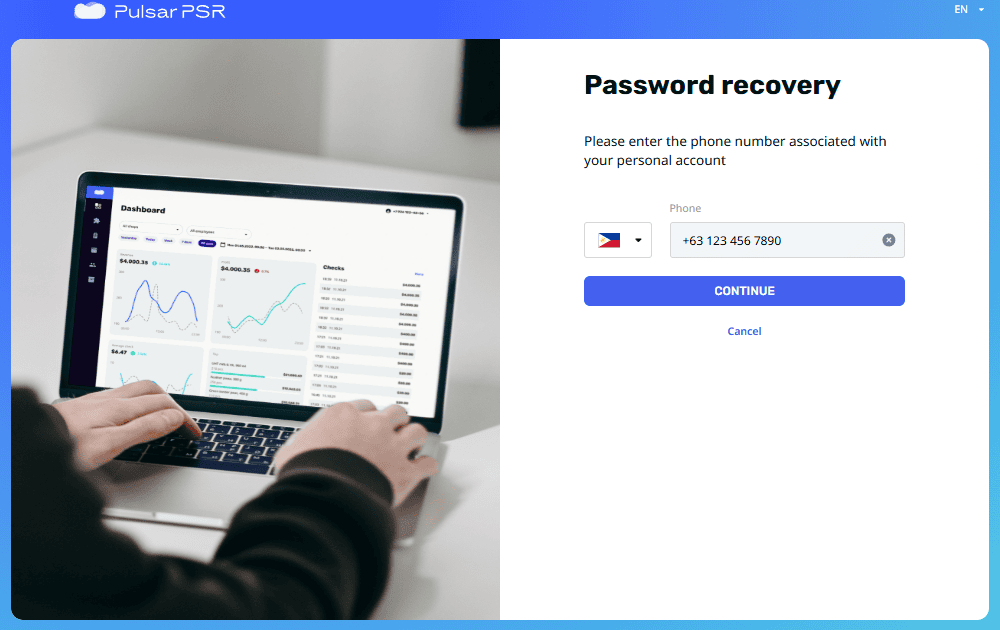
If you cannot access the link in the email, you can request a verification code to be sent to your phone number.
Enter the confirmation code sent to your phone.
Create a new password that adheres to the password rules.
Click Save.
💡 Tip: For a stronger password, avoid using common words or sequences, and ensure it is unique to your account.
Your password has now been reset successfully.